Your bookmarks, folders, notes, tags and saved sessions are stored locally by default.
Nexamas browser product
Keep what matters.Find it again.
SmartBookmarks is a local-first bookmark and browser-session manager. Organize your library without an account, then optionally synchronize an encrypted Nexamas Cloud Vault across your devices.
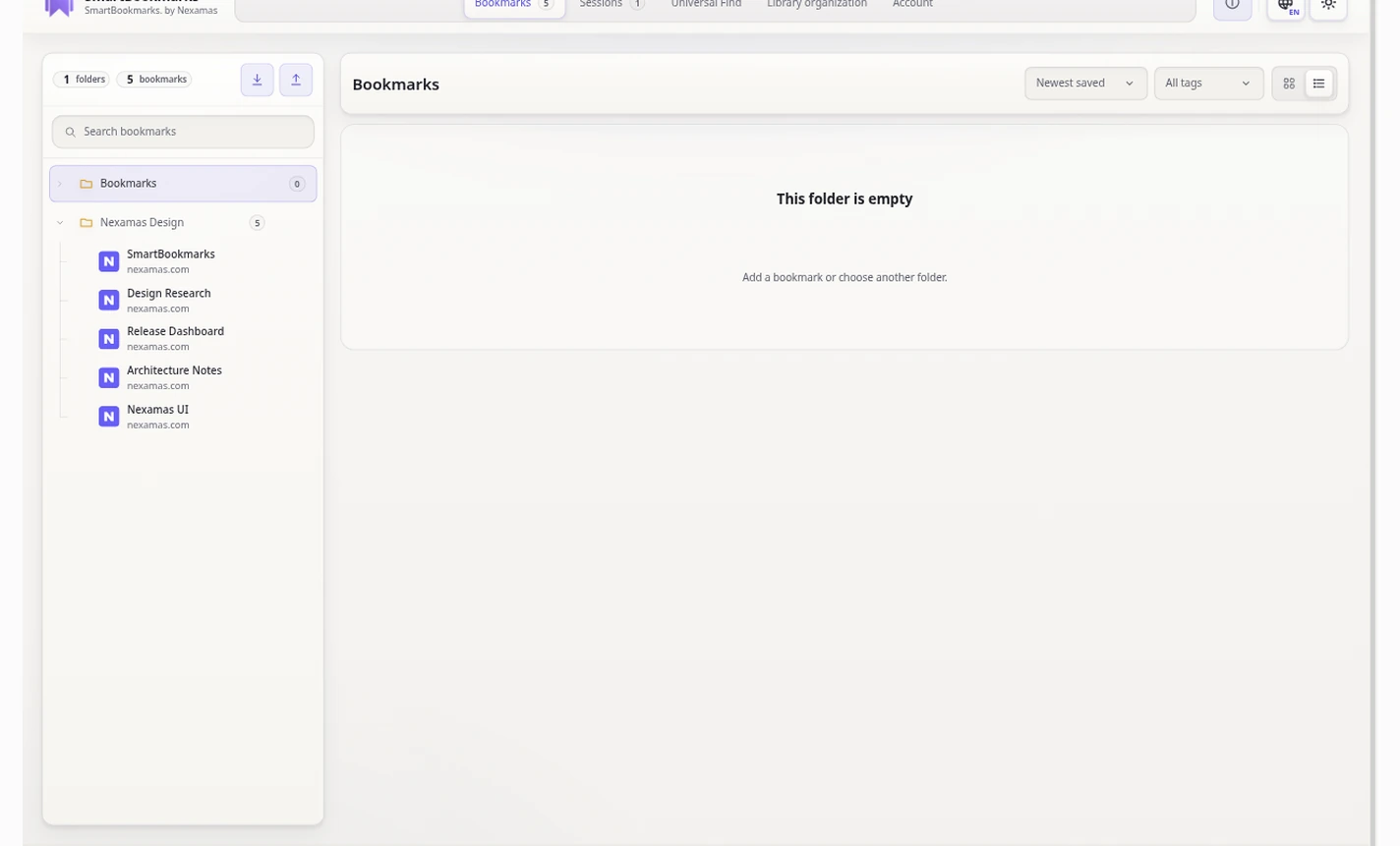
The core library works without registering or signing in.
Cloud Vault snapshots are encrypted with AES-256-GCM inside the extension before upload.
Optional synchronization stores an encrypted Vault object and wrapped Vault key with Nexamas.
What it does
A focused library for links and sessions.
SmartBookmarks is designed for quick capture, reliable organization, search, cleanup and recovery without turning your browsing activity into an advertising profile.
Save and organize
Store links in folders with titles, tags and notes, then move, search and manage them from the library.
Capture sessions
Save groups of open tabs as named browser sessions and reopen them later.
Work locally
Use folders, tags, notes, Universal Find, import/export, trash and cleanup tools without a Nexamas account.
Choose identity
Optional sign-in supports email access codes, Google or Microsoft. Google and Microsoft are identity providers only.
Synchronize securely
When enabled, the extension encrypts your library before sending the encrypted Cloud Vault to Nexamas.
Restore across devices
Trusted-device, revision and conflict protections help restore and synchronize the same encrypted library on another device.
Privacy architecture
Local by default. Cloud only when you choose it.
The Nexamas account service stores the identity and security metadata needed for an optional account. If Cloud Vault is enabled, Nexamas stores the encrypted Vault object, Vault metadata and a wrapped Vault data key—not your bookmark/session library as plaintext Cloud Vault data.
Google and Microsoft can be used to sign in; they are not SmartBookmarks storage providers.
The library snapshot is encrypted inside the extension before Cloud Vault upload.
The current key model is managed by Nexamas and is not described as zero-knowledge.
No sale of SmartBookmarks user data or interest-based advertising is built into the product.
Common questions
Clear boundaries before you sign in.
These answers summarize the current SmartBookmarks architecture. The detailed privacy policy controls where legal precision matters.
Can SmartBookmarks be used without an account?
Yes. The bookmark and session library is local-first. A Nexamas account is needed only for optional account and encrypted Cloud Vault synchronization.
What does Nexamas store when Cloud Vault is enabled?
Nexamas stores the encrypted Vault object, revision/digest/size metadata and a wrapped Vault data key. The current key model is Nexamas-managed and is not a zero-knowledge design.
Does uninstalling the extension delete my Nexamas account or Cloud Vault?
No. Browser-local data, Nexamas account data and Cloud Vault data are separate layers. Use the account-deletion flow when you want the server-side account and Cloud Vault removed.
Is a separate user-held recovery secret required?
No. The current managed-key architecture does not require a separate user-held recovery secret. Keep an independent exported backup of important data.